As someone raised by engineers – my mom’s an engineer, my dad’s an engineer, and my aunts and uncles from both sides are engineers – I grew up tinkering with things. While kids in my class hung out at the mall, I spent Saturdays helping my uncle fix appliances for practice, experimenting with a 35mm film camera, or busting open a VHS player (remember those?) because my favorite movie got stuck inside.
So, when Corsair offered me one of their new PC build kits to test, I jumped at the chance. There was a tinge of hesitation there, admittedly, as I haven’t really built my own computer since college, which was a long time and many technological advancements ago.
But, I’ve recently gotten into giving old furniture a lease of life – partly because it feels like meditation and partly because I rediscovered my love of building things with my own hands – so taking Corsair up on its offer seemed like the perfect chance to do more of it. And, also, Corsair assured me that I was the “right consumer target” for it.
If you’re asking yourself right now, “What the heck is she talking about? Corsair doesn’t have PC build kits!”, I'm pleased to tell you you’re wrong.
The big-name peripherals and components manufacturer just launched its first PC Build Kits that “are designed to take away or lower all barriers and make the entire process start to finish easy and enjoyable.” In other words, they’re supposed to make PC building more accessible to people who aren’t all that well-versed in the craft. To start, Corsair has rolled out three different build kits of varying performance levels. Prices start at $1,199.99 (not cheap, I know) for the Novice configuration, which is what they had sent me to build.
How’s that experience, you ask? It was a fun, albeit, at times, frustrating, endeavor that ultimately made me want to really get into the hobby.
A matter of convenience
According to Corsair, it wants to “provide everything a customer would need to build a PC in one convenient package,” so they could enjoy “an easy and seamless experience” by relieving them of “the pressure of researching what hardware is compatible.” Its build kits are, therefore, great for, as Corsair says, “parents purchasing for their kids.” This makes them the perfect quality-time activity you can do with your kids, as well as “returning PC builders looking to build a secondary system and introduce others to PC DIY."
The Novice kit is particularly perfect for beginner builders – meaning me, the sad supporter of pre-builds. I know, boo! And, as a beginner, I can attest to the fact that Corsair really does make the craft simpler than normal, cutting down the amount of research needed by more than half.
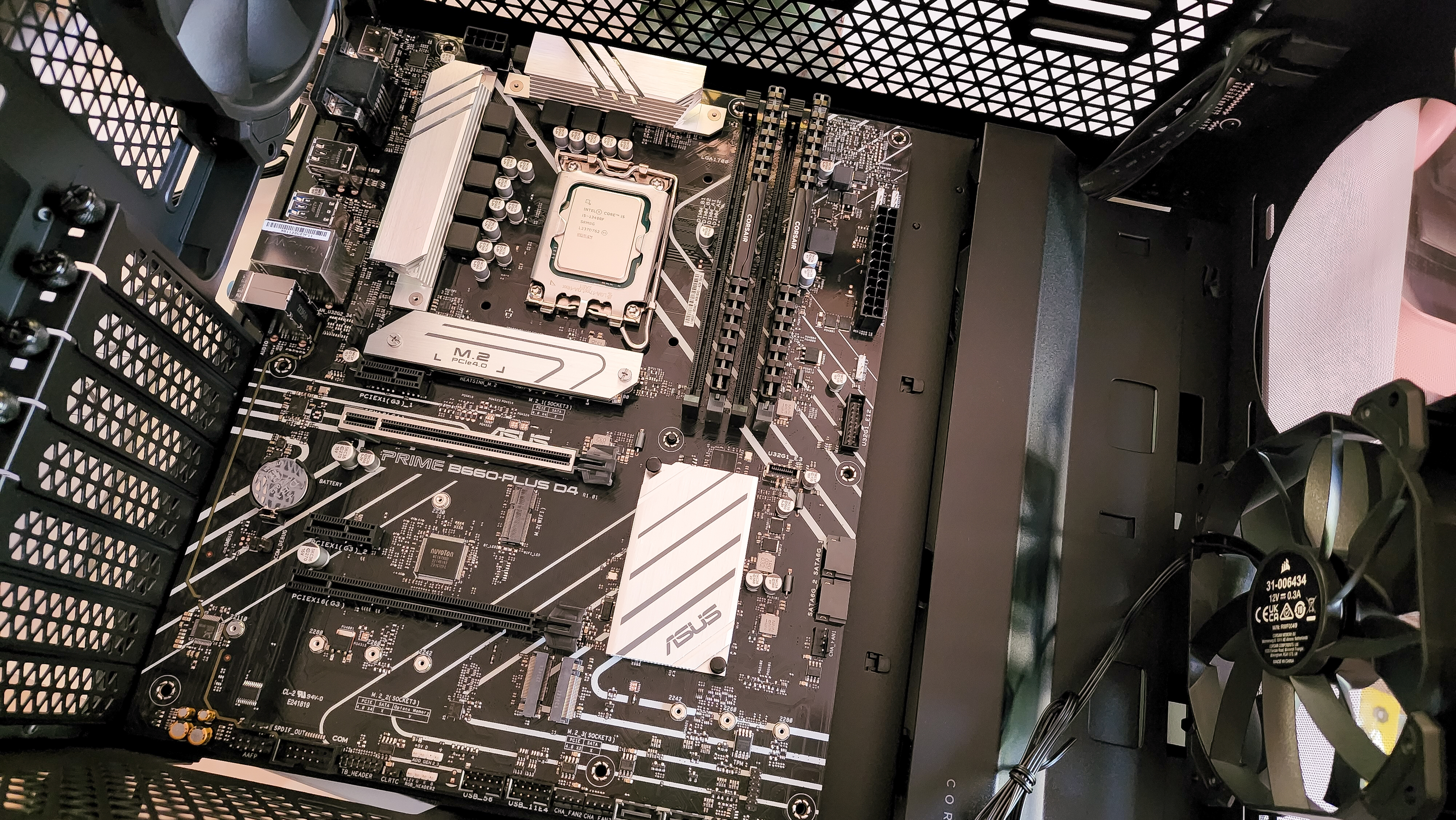
Building your own PC, after all, is much more than just a matter of figuring out what graphics card and processor you want and how much memory and storage you’ll need. There are compatibilities to consider, the right amount of cooling, the right PSU, and even the right PC case. I bet many PC users can’t even tell you what in the mother-freaking-board a PSU is.
Even someone like me who is knowledgeable about components would still have to do a bit of digital legwork so that my PC-building journey doesn’t turn into Dante’s Inferno.
With its PC Build Kits, Corsair has essentially picked and laid everything out for me. The kits come with easy-to-follow, and mostly clear, step-by-step instructions and a video tutorial. All I needed to do was... build.
Almost there
Corsair also makes the stuff that's trickier for people easier. Someone from our team, for example, said that installing the CPU is one of the things that scares them, especially as it involves using thermal paste. These kits make that part less daunting by already applying thermal paste to the CPU, so installing it was a breeze. I just needed to make sure I put it the right way in and secure it.
Corsair also lays out more of the ports for you and shows which cables go where. A motherboard can be a thoroughly confusing component for the uninitiated because, I mean, just look at one. But Corsair's PC building 'manual' makes it less daunting and understandable for beginners.
Corsair hasn't got everything fully fleshed out yet. There are missing bits in the instructions – for example, nowhere does it tell you where to port the Wi-Fi card. In fact, the instructions don't mention it at all, and there’s just a bit in the FAQ that tells you to contact support if your Wi-Fi isn’t working.
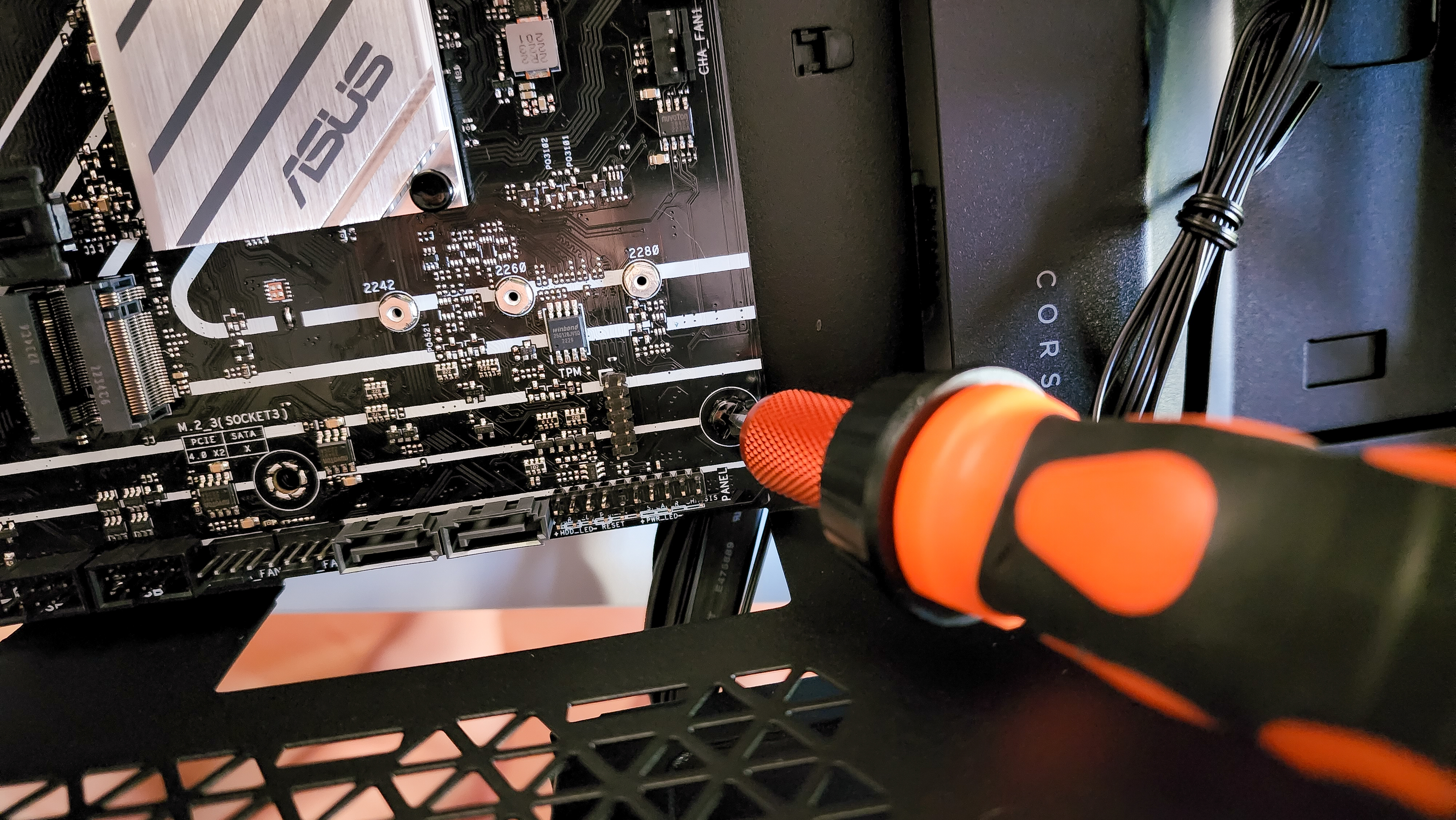
The video tutorial and the written instructions also don't match perfectly. The instructions don't tell you to remember to pop in the IO shield or plate before you screw the motherboard in place (another big miss if you’re trying to guide a beginner with zero experience), while the video just gives it a quick mention. Granted, Corsair is currently using an older video, so it might roll out a newer one that's specific to these build kits.
Speaking of the video, not only is there just the one for all three build kits, but the tutorial is better suited for experienced or knowledgeable PC builders rather than regular folks with little to no experience. You're given just a quick overview of the steps, and it feels like it would be very hard to follow if you’re the latter.
So, yes, my Corsair PC Build Kit still forced me to do some fast Googling, either to figure out things that were left out of the instructions or confirm that I wasn’t doing some of the steps wrong. On the bright side, with this being the first post-production iteration of the instructions, I’m sure Corsair will implement some changes and make them more user-friendly and easier to follow. Hopefully, by the time you get your kit, you won’t have to deal with those.
So, what now
Despite the fact that things got a little gnarly a couple of times during my building process, there’s zero question that these new PC Build Kits from Corsair make PC building a lot more accessible and easier to do.
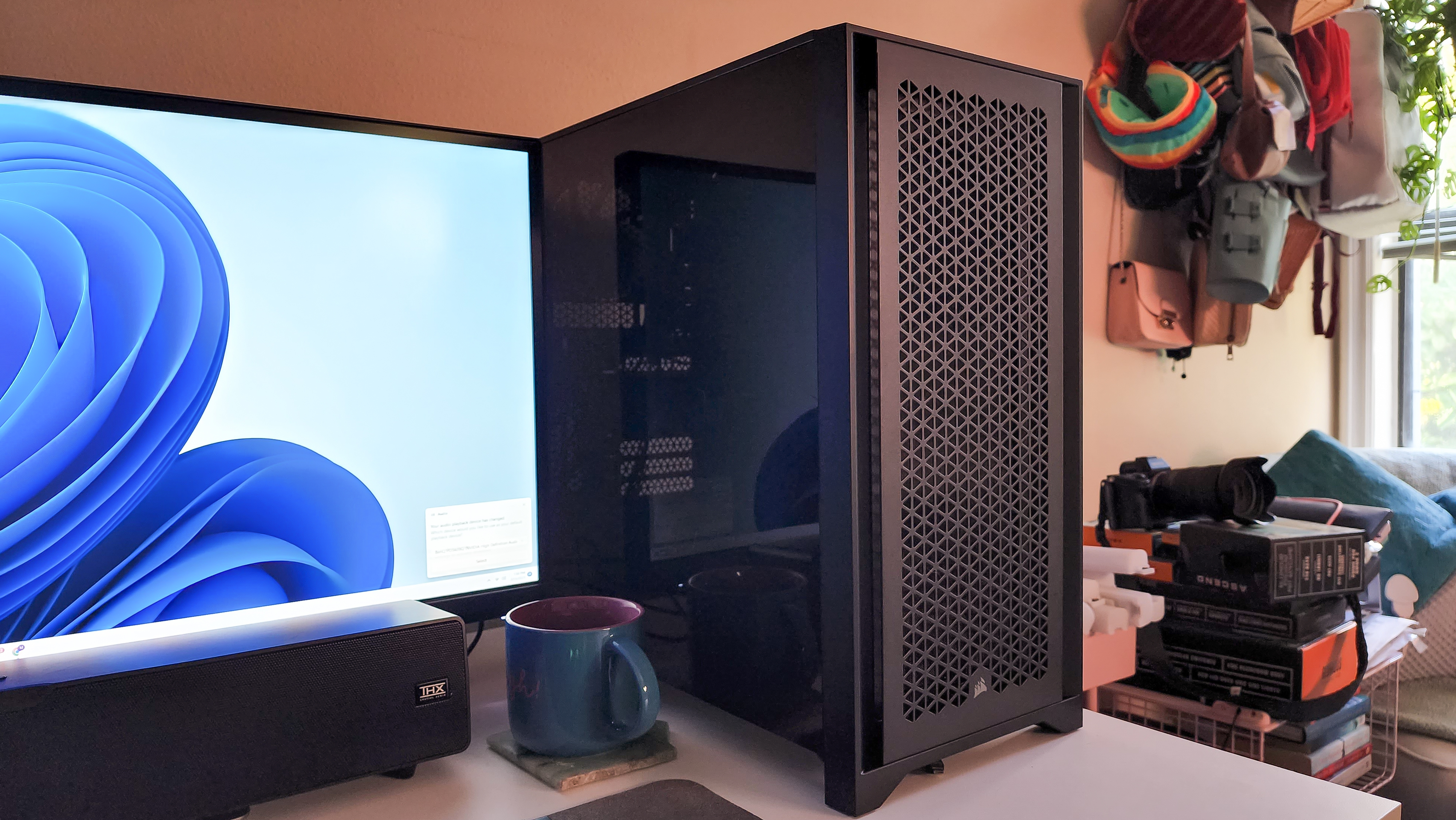
Building a PC, it turns out, is easier than people think, and much more fun than it seems. While I would have preferred not to have those small hair-pulling moments, I truly did enjoy doing it and am also half amazed that it hasn’t burst into flames (yet?). It was a proud moment for me, as stale as that sounds to expert builders, so much so that I’m now obsessing about opening that baby back up and fitting it with RGB-lit components, of which Corsair has many.
This is going to be one expensive hobby, but I got plans!
Comments