Google Pixel 8 Pro's Best Take technology is powerful enough to become an AI-based social situation fixer. I have proof.
True story: At a recent family function, a dozen of us sat at a long table and smiled at a smartphone camera while one person looked away after one shot and started to eat, as one does.
I do not begrudge her the much-needed snack but as I perused my more than half-dozen pictures, there was only one with her smiling at the camera and, taking inventory of the rest of the faces, it was not the best moment for everyone else.
Now, I wish I'd had the Google Pixel 8 Pro on me. Unveiled Wednesday in New York City alongside the Google Pixel 8, and Google Pixel Watch 2, the new flagship Android 14 phone includes a new Tensor G3 CPU that is powerful and packs a significant helping of onboard AI. Among its smart photo tricks is something called Best Take.
Put simply, Best Take can comb through a sequence of group pictures, find the faces, and let you replace each one with each person's most picture-friendly expression.
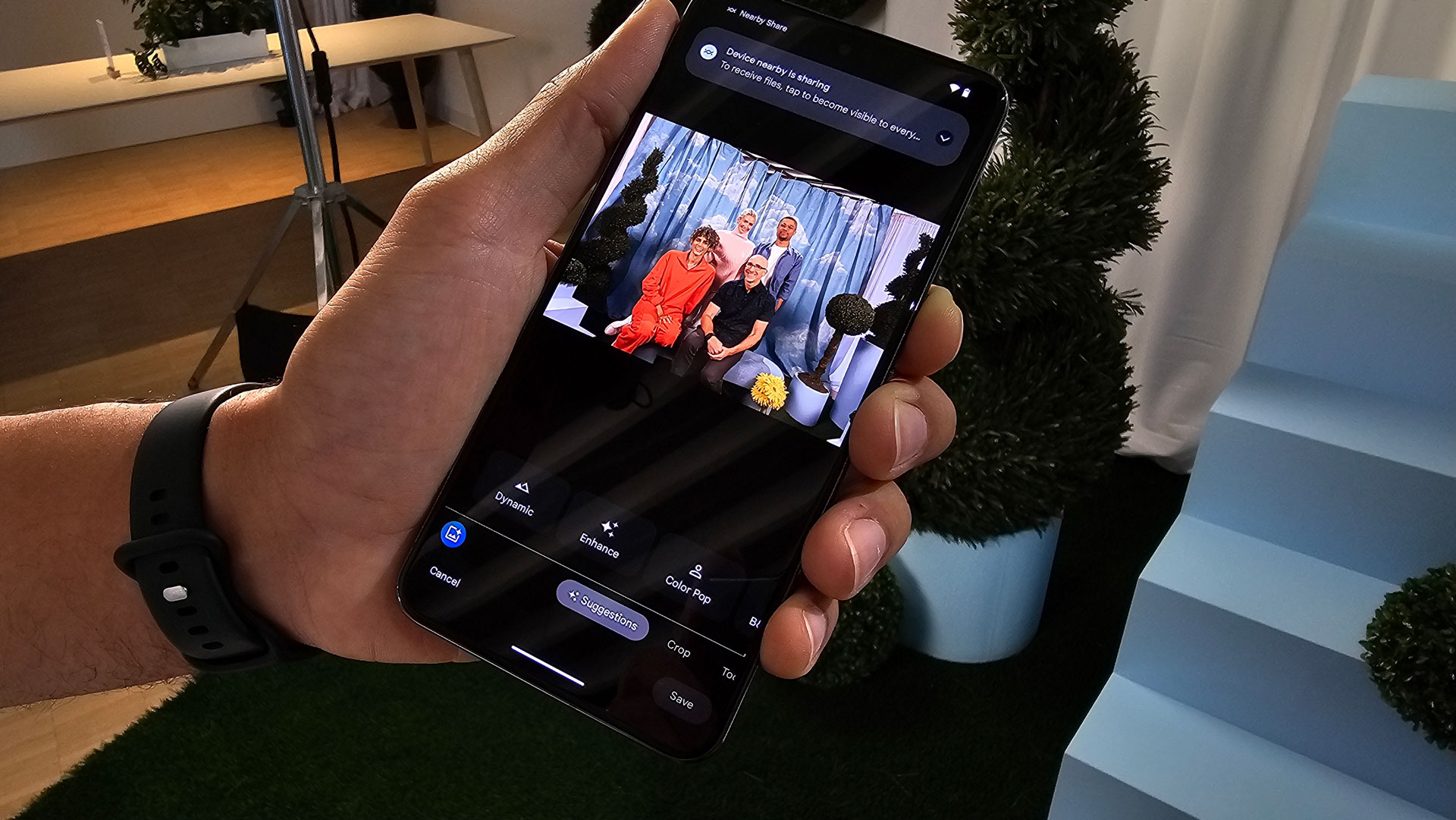
Up until today, I'd only seen canned images produced by the Best Take technology. At Google's Made By Google event, however, Google finally let me experience the power of Best Take for myself.
In a well-lit studio space inside Google's Pier 57 West Side headquarters, Google sat me down with a trio of models. The instructions from the Google representative were simple: Try a number of different facial expressions as he called out when he was taking each shot.
Obviously, this is not exactly how you might normally capture a sequence of group photos. Often not everyone is paying attention and you're usually not calling out "And, taking a shot..." over and over again.
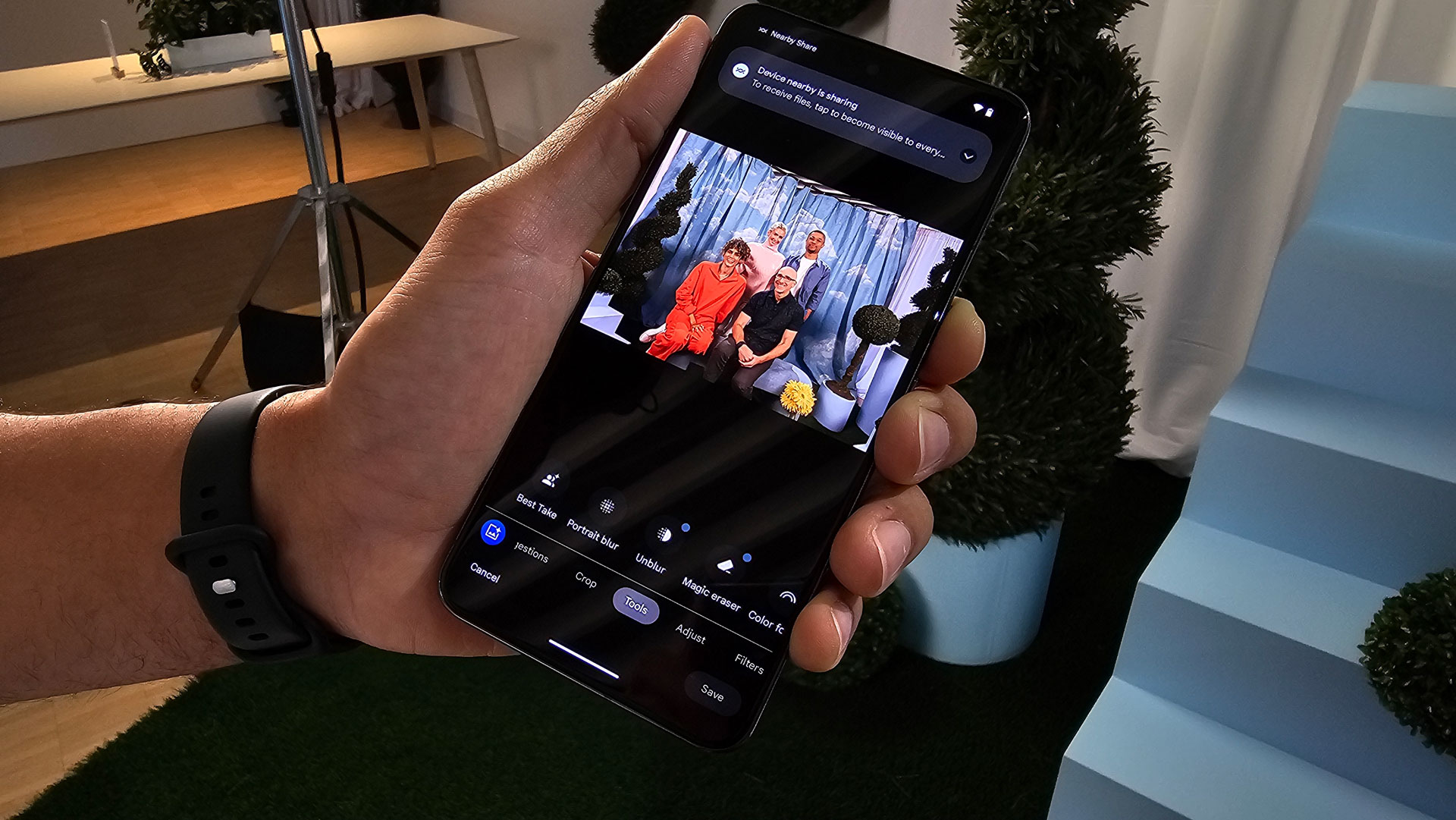
In any case, I played along, and after seating myself in the middle of this good-looking bunch, I listened as the Google rep called out and took group photos with the Google Pixel 8 Pro. Each time, I changed my expression, making sure that one image was of me smiling gleefully at the Pixel 8 Pro's 50MP main camera. The models also complied with their own silly, serious, and distracted mugs.
If you select "Suggestions", you'll see the Pixel 8 Pro's own choice for the best group shot. But we wanted to use Best Take, so we opened the photo and then selected Tools. Under that, we selected Best Take. Below our image, we saw this message, "Finding similar shots to improve photo" which meant the system was going through our sequence of six or seven shots looking for the faces and best expressions.
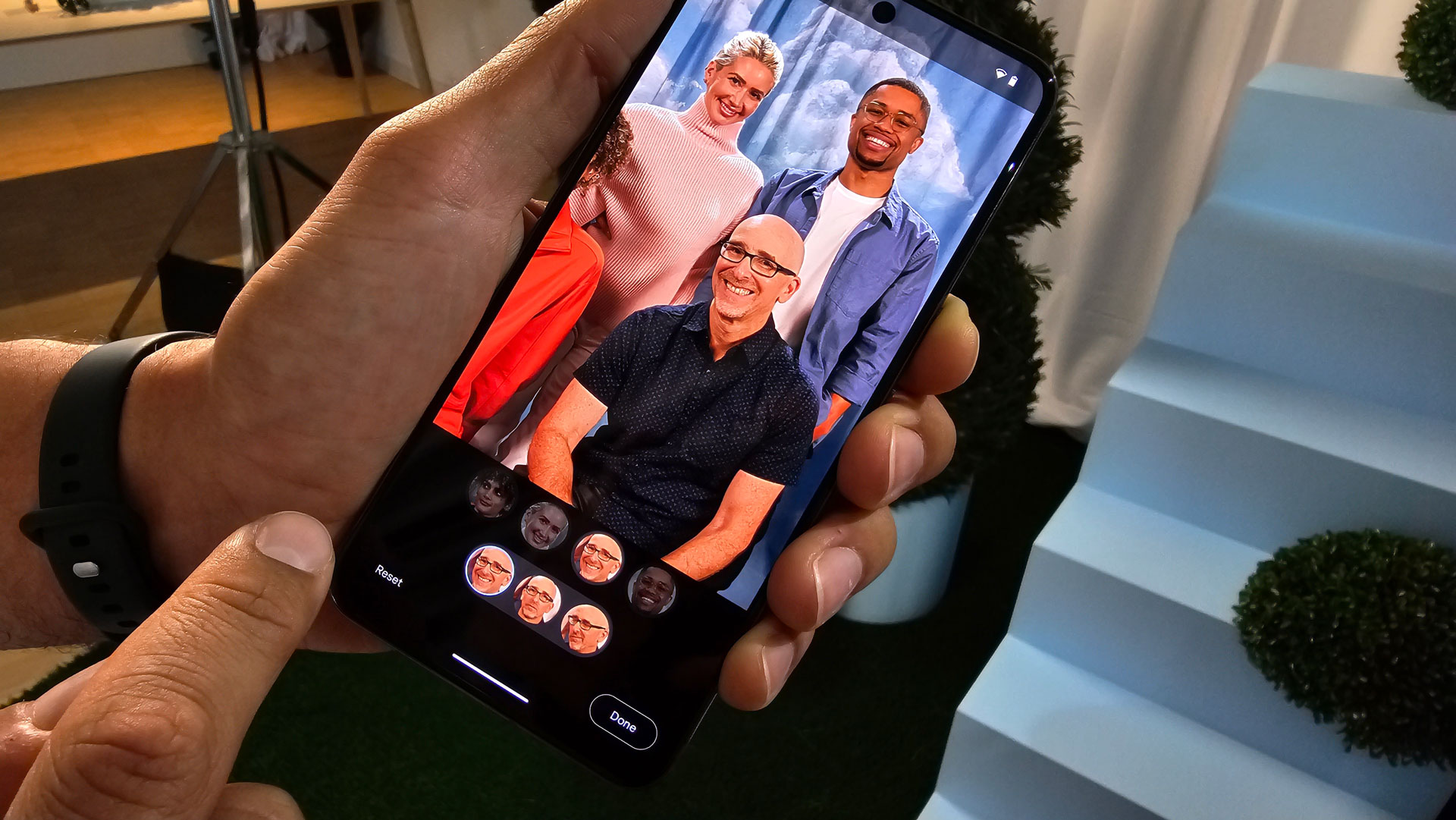
While Best Take does not use facial recognition, the system does understand what a face is. Inside the tool, we could see all the faces collected in the photos. To register a face for potential swapping, they have to be free of obstructions. A plant or hands in front of a face will make it impossible to include as a face option.
When we selected my face, I saw three options. One was a nice smile, another looked dead serious, and the last was a smirk. With a tap, we could swap in the different faces. As my head switched, the models' faces around me remained the same. More importantly, my face swap did not look like it was done by a ransom note writer. Aside from the expressions, I could not see the stitching between my new face/head and unchanging body.
Next, we selected the face of the model next to me and swapped her face until we found the best expression.
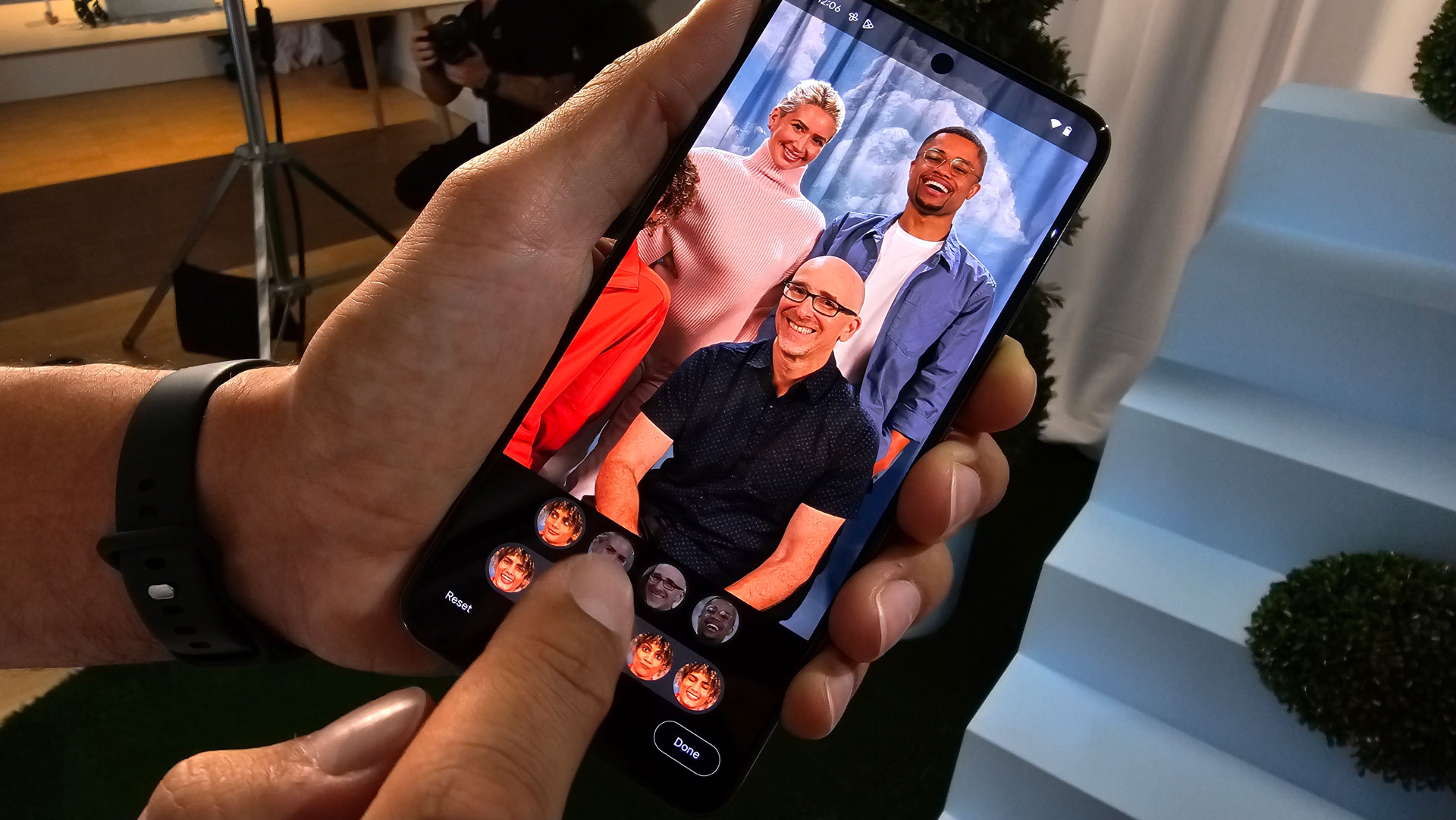
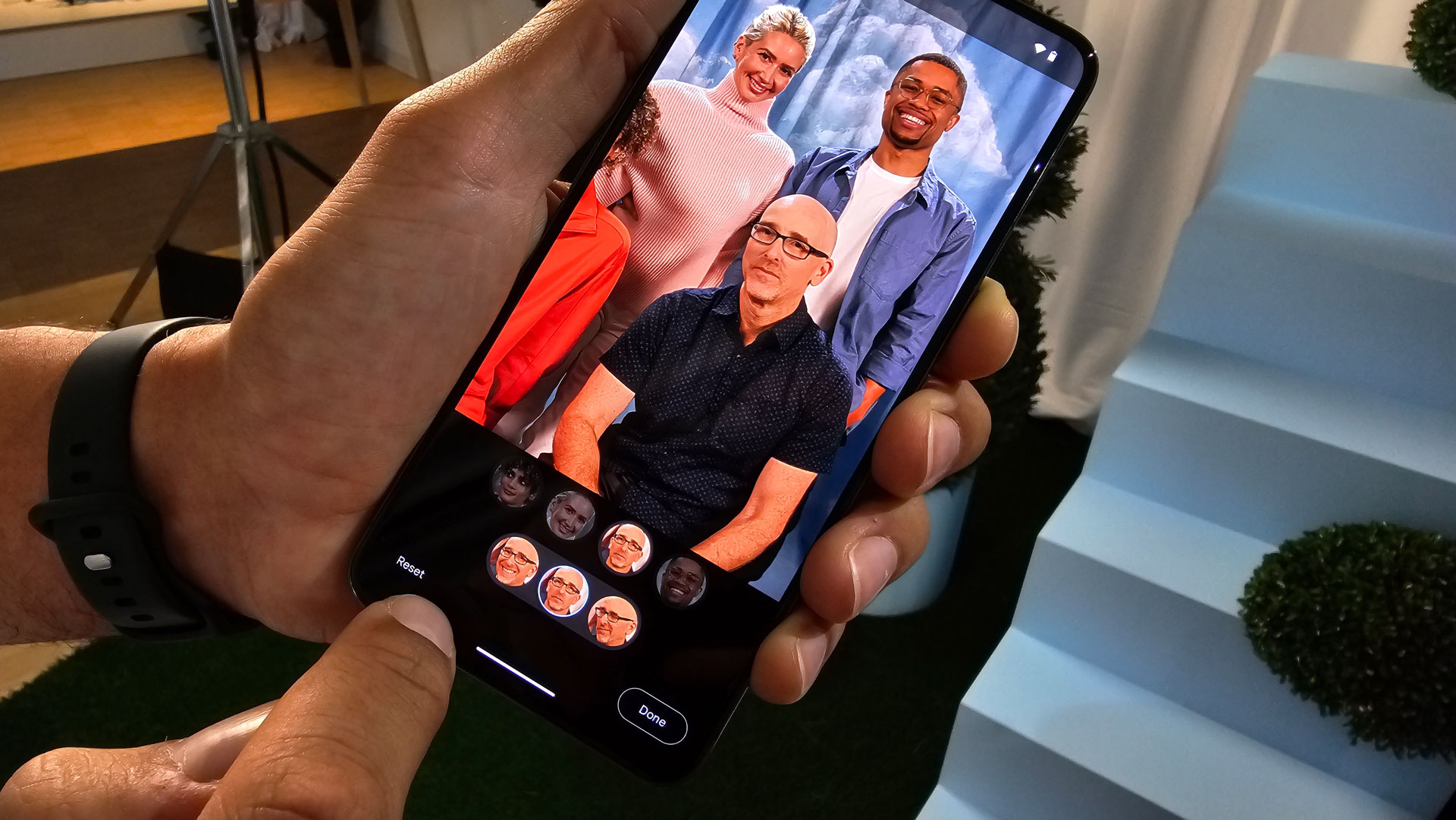
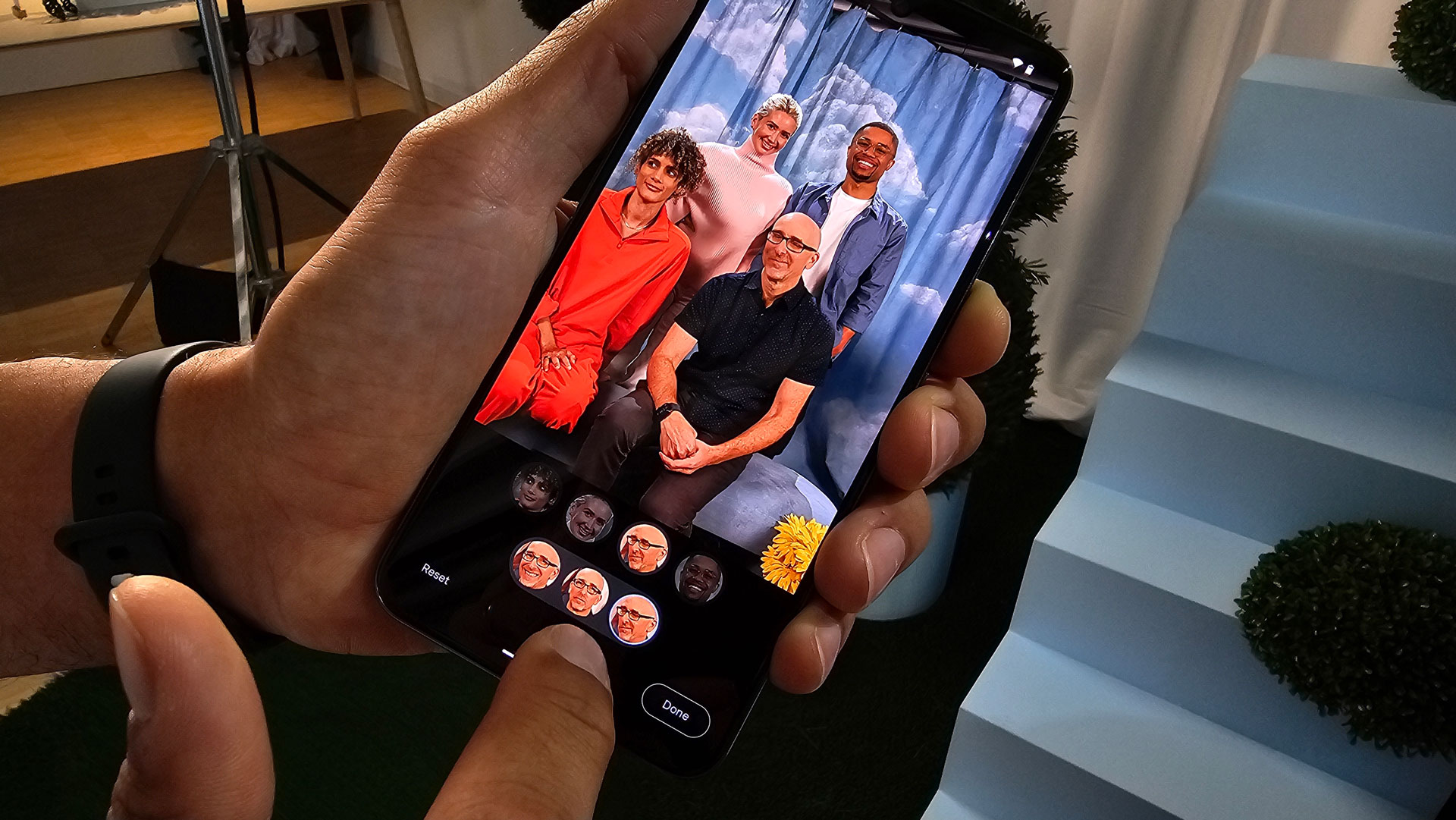
If any of us had radically altered our poses, say, moved our shoulders 90 degrees this way or that, Best Take would've discarded those images from the sequence. Best Take also won't work if you wait 10 minutes between shots. Too much will have changed (lighting, poses, etc.) for a believable face swap. Also, thankfully, there's no option to swap your face with someone else's.
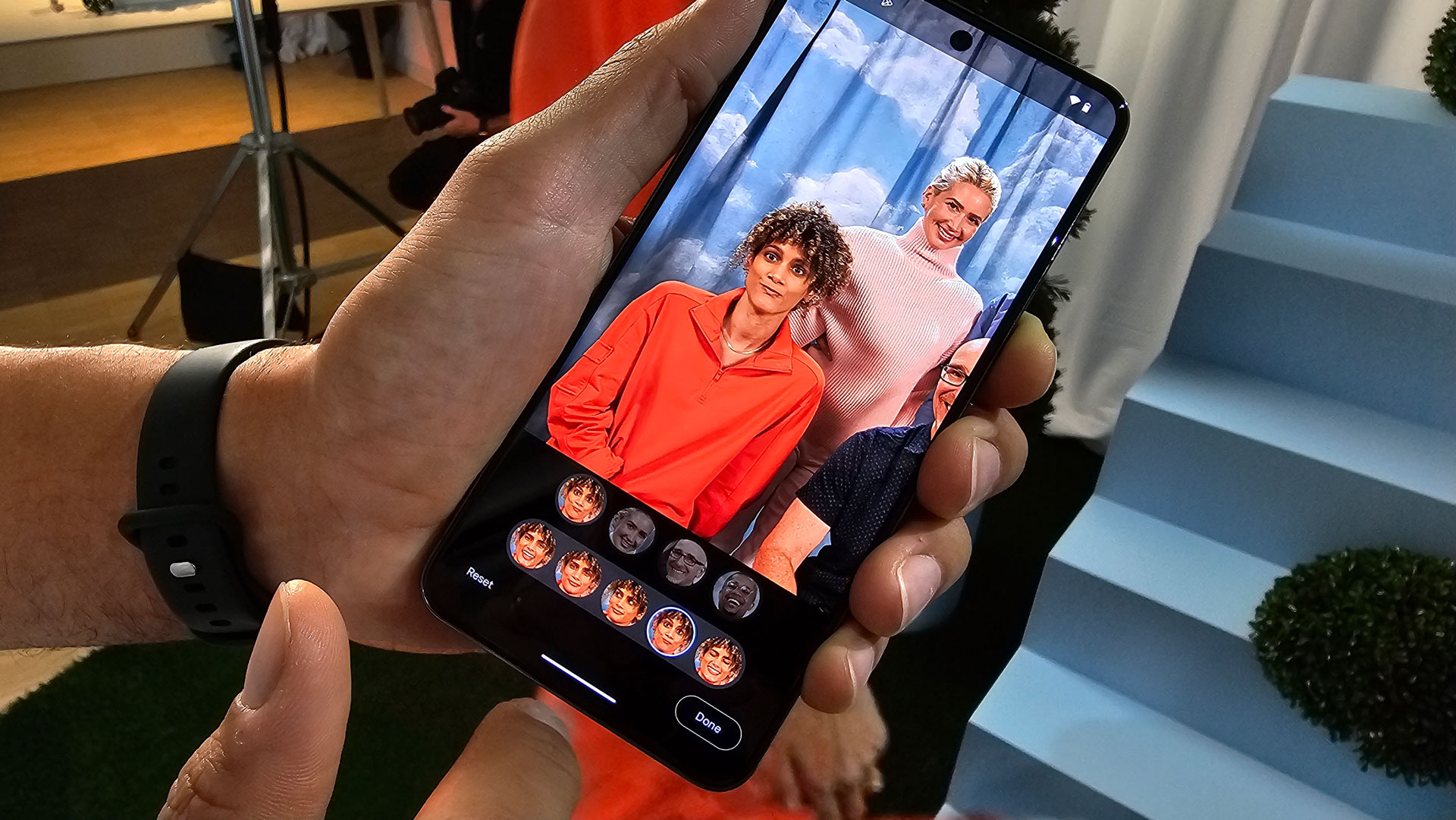
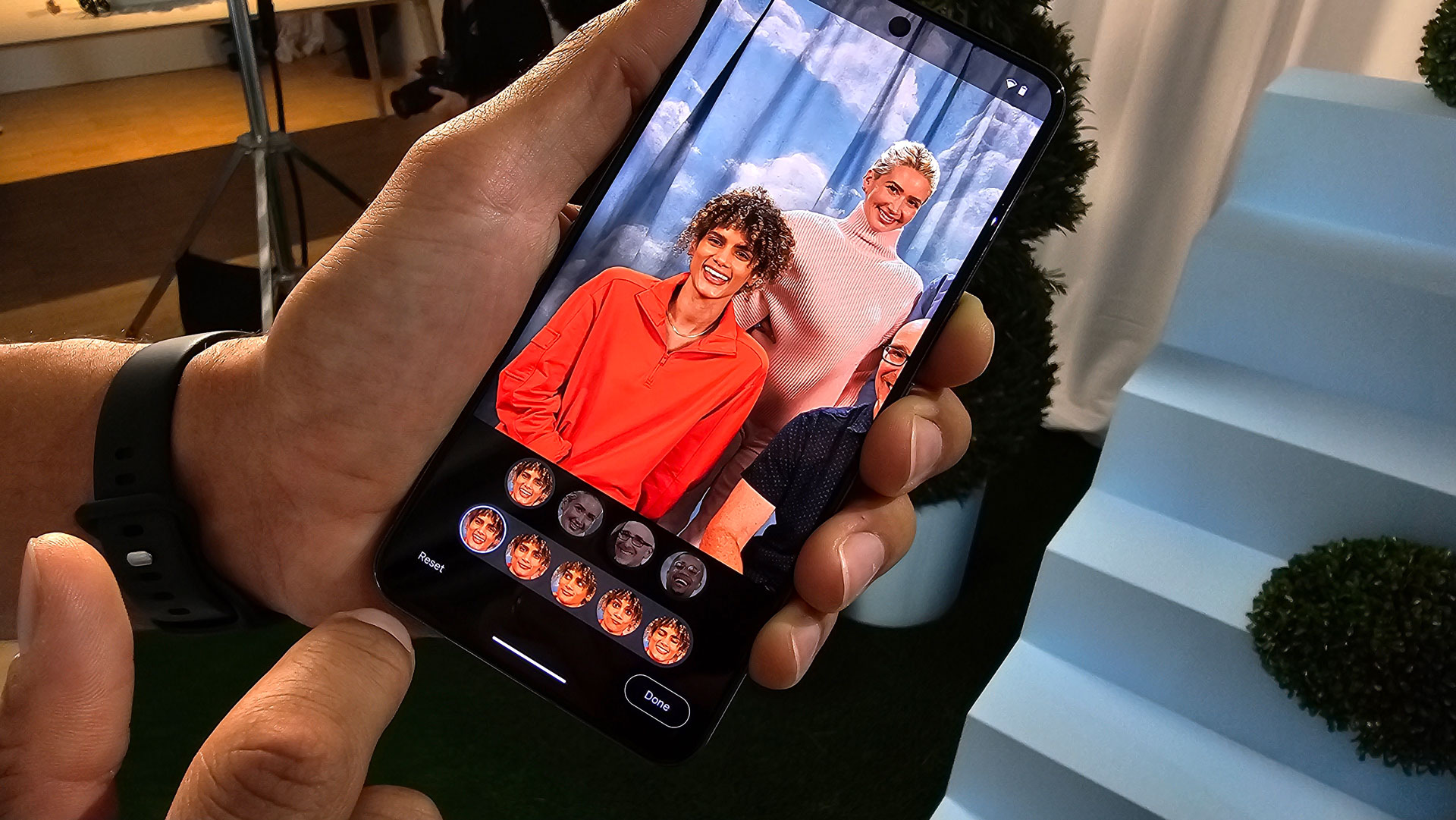
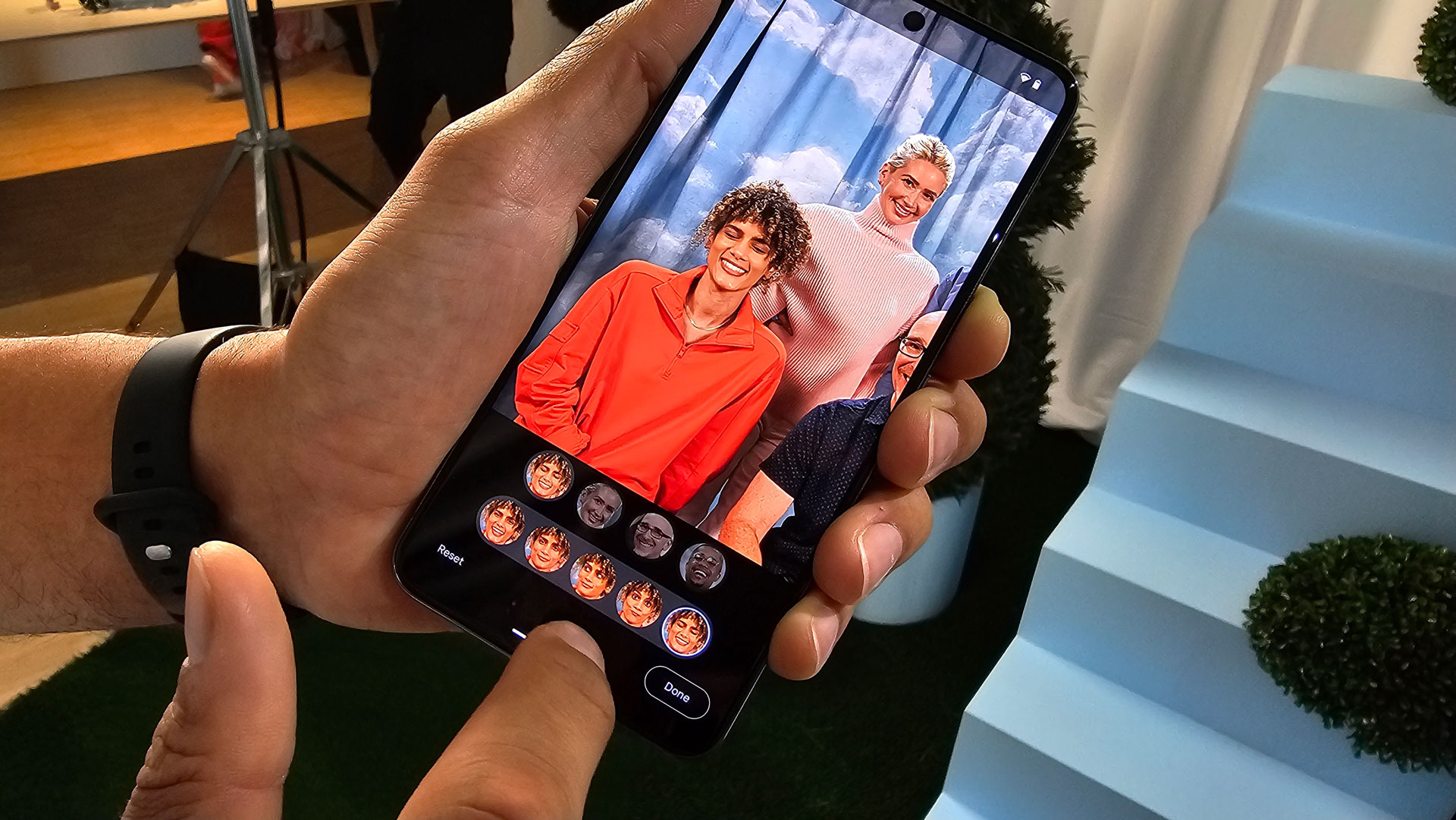
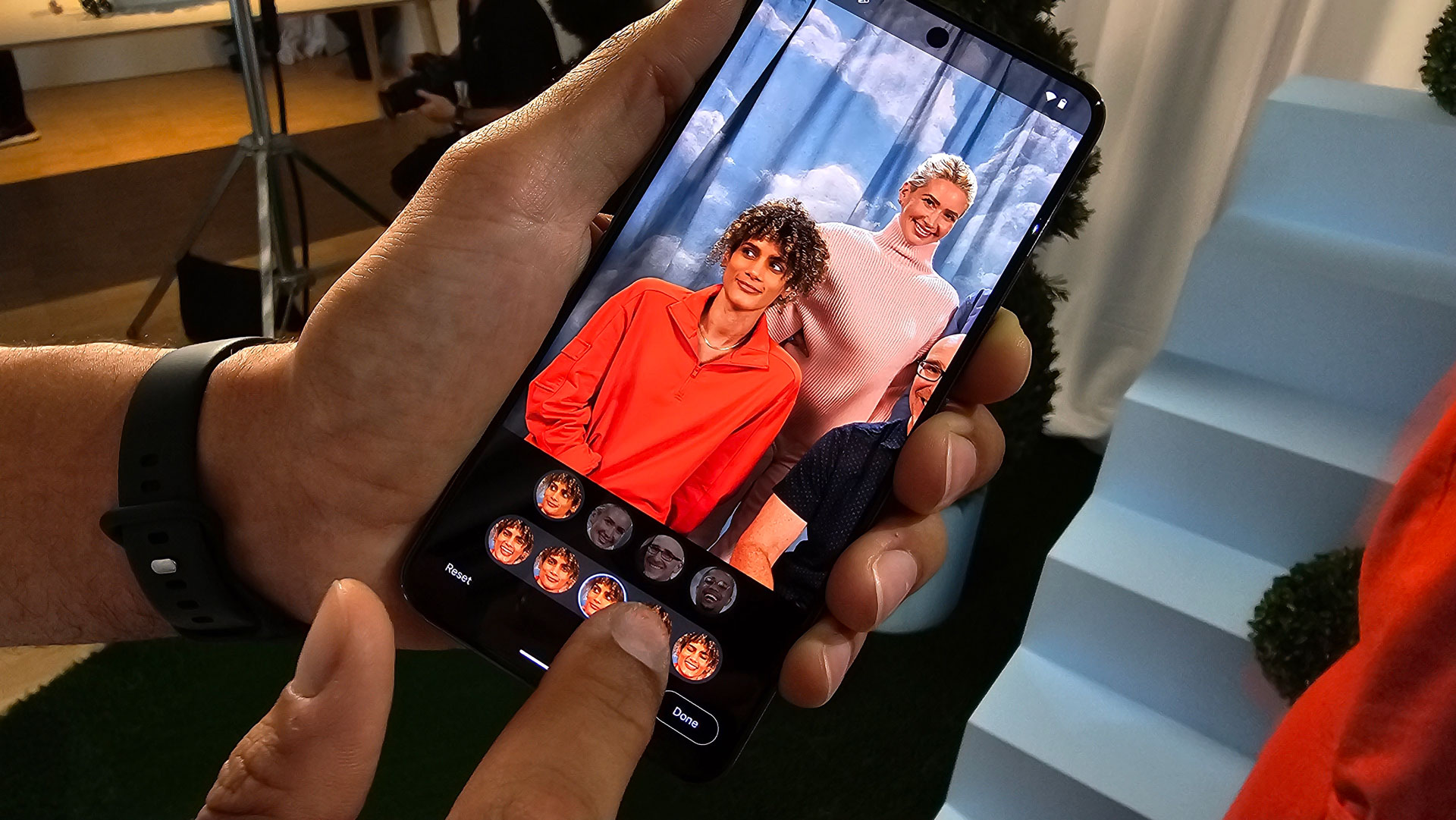
What's remarkable to me is that Best Take does its AI work locally. Google isn't sending your sequence of photos to its Tensor Processor Unit-filled cloud. It's all done on the Pixel 8 Pro and is a surprisingly fast process.
The other bit of good news is that Best Take is non-destructive. It keeps all the photos and if you look at metadata – as we did – you can see a little dash and number next to the file name to indicate this is a Best Take image and not the original.
As new tech experiences go, this was a best-case scenario with great lighting and subjects who always followed instructions. Even with a sequence of photos and the ability to swap heads, my real-world scenario might have proven challenging to Best Take.
On the other hand, I say bring on the next group dinner and hand me a Google Pixel 8 Pro because I am ready to try again.
Comments